Course Details
Home> Course Details
advance robotics programming (robocode level 4)
Course Overview
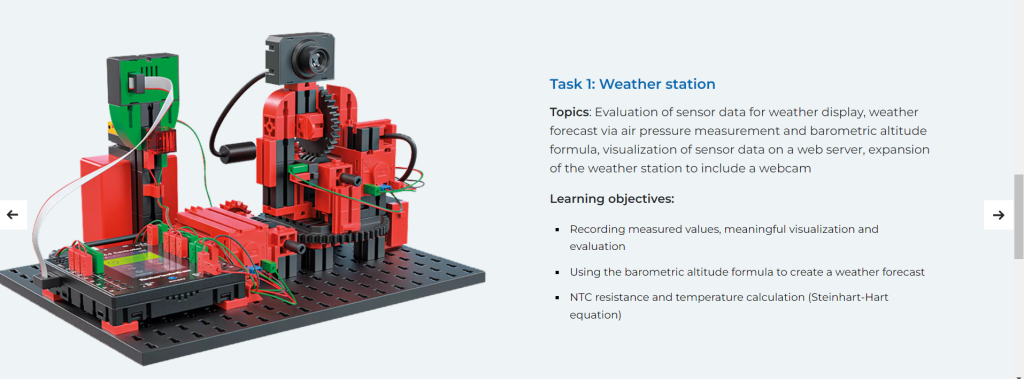
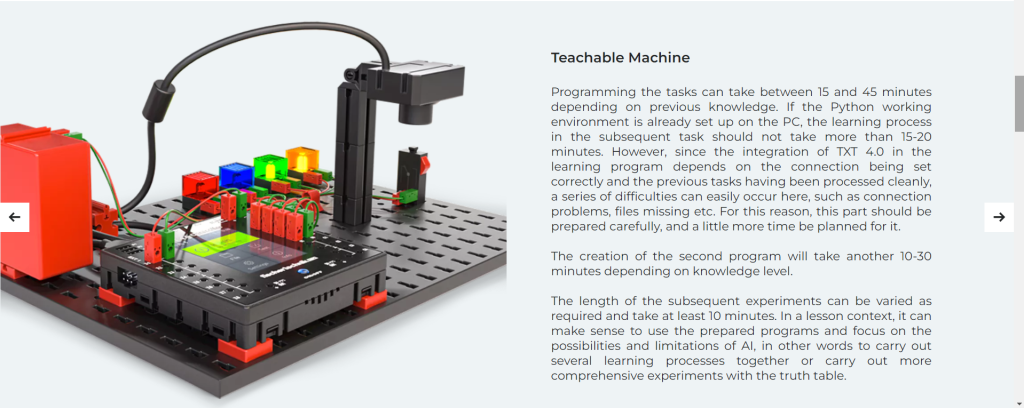
This course is designed for students who are interested in entering the world of robotics and coding. It provides a intermediate level of understanding of programming concepts and their application in controlling robots. Through hands-on projects and clear explanations, readers will learn how to bring their robotic creations to life.
Course Objectives:
Foundational Knowledge: Students will start by reinforcing their understanding of core programming concepts, including variables, control structures, functions, and data types.
Hands-On Projects: The course emphasizes a hands-on approach to learning. Students will engage in various projects that involve building and programming robots, allowing them to apply theoretical knowledge in a practical context.
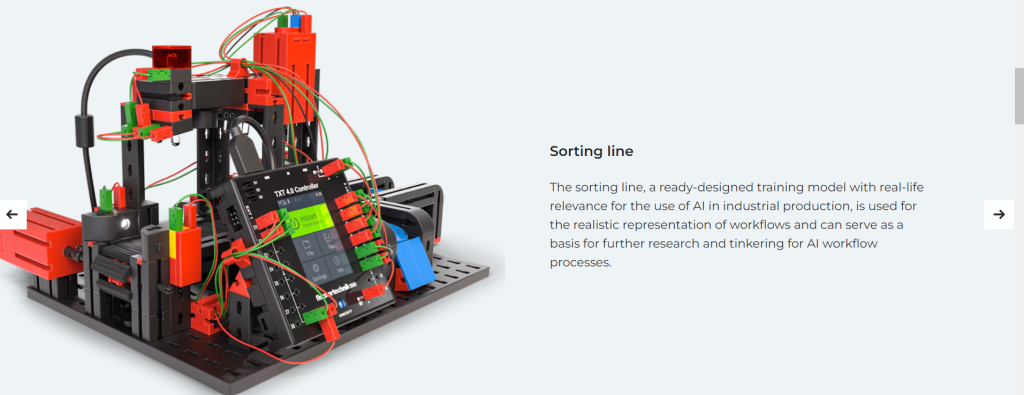
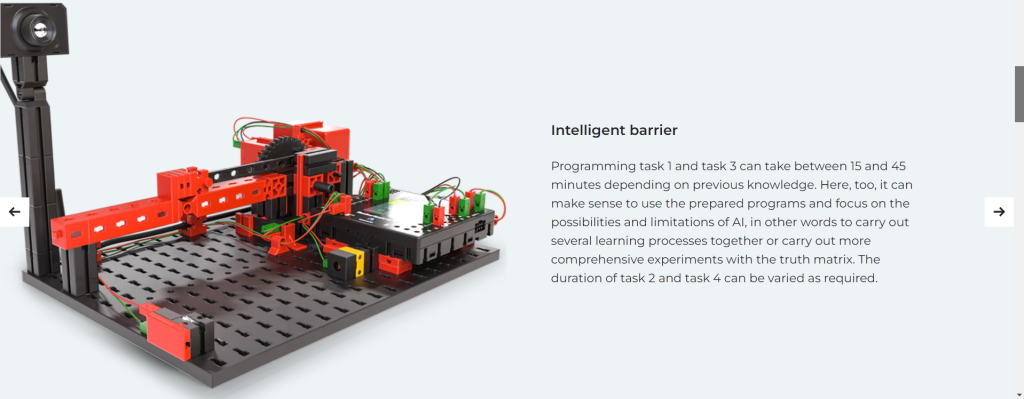
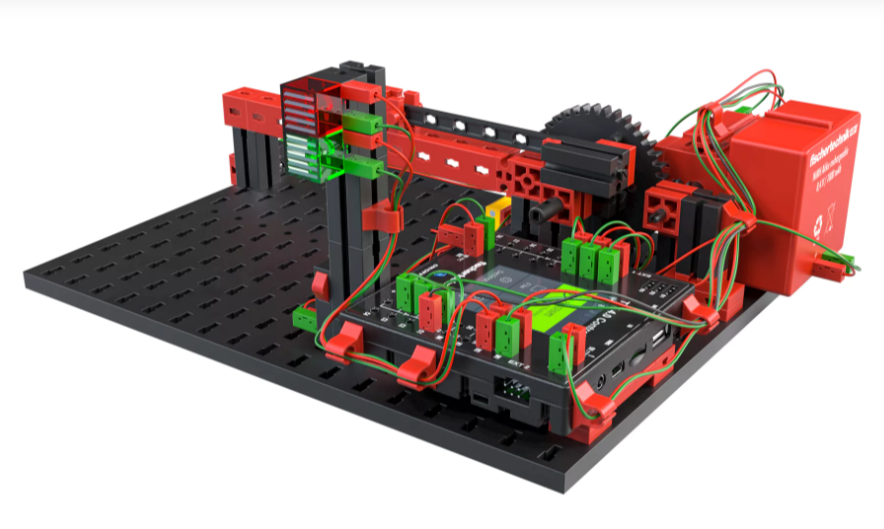
Intermediate Robotics: Students will explore intermediate-level topics such as sensor integration, motor control, and the use of microcontrollers. They will learn how to interface sensors and actuators to create responsive and autonomous robots.
Learning Outcomes
At the end of the lesson students will be able to :
Explain the Concept and Utility of Loops in Programming:
Learners will understand that loops are fundamental programming structures that allow for the repetition of code. They can articulate why loops are efficient for tasks that need to be repeated multiple times, thereby avoiding redundant code.
Use Loops in Scratch to Code Repetitive Movements:
Learners will apply their knowledge of loops to make Scratch sprites perform continuous or repeated movements, such as walking or flying across the screen. They’ll practice using ‘forever’, ‘repeat’, and ‘repeat until’ loops.
Implement Conditional Statements in Scratch to Control the Behavior of Sprites Based on Specific Conditions:
Learners will be able to write conditional ‘if’, ‘if-else’, and ‘else’ statements to dictate how sprites react to various scenarios, like changing direction when hitting a wall or responding to user interactions.
4.Evaluate the Logic and Efficiency of Conditional Statements in Achieving Desired Outcomes:
Learners will critically assess their conditional logic, considering whether it meets the intended goals and executes in the most efficient manner. They will develop skills to optimize their code.
5.Describe the Function of Event Blocks in Scratch:
Learners will explain how event blocks act as triggers for starting sequences of actions in their projects. They’ll understand the difference between various event blocks, such as ‘when green flag clicked’ or ‘when this sprite clicked’.
6.Utilize Event Blocks to Initiate Actions in Scratch Projects:
Learners will demonstrate the ability to use event blocks to begin scripts and control the flow of their projects, initiating different actions such as starting games, animations, or interactions.
Courses
Meet Our Teacher

Name : FASIH UZ ZAMAN
Designation : Trainer
Fasih uz zaman is a well disciplined trainer at CETC, BACHELOR’S IN ELECTRICAL ENGINEERING.